Open source · v2.2.0

A design system
you turn on.

Stop getting a different-looking dashboard from your AI agent every single time. Glaise is a set of agent skills that make Claude Code, OpenCode and claude.ai build admin panels in one recognizable visual family, while each product keeps its own soul.

  1. /plugin marketplace add maclevison/glaise
  2. /plugin install glaise@glaise
Installs in
Syncs to
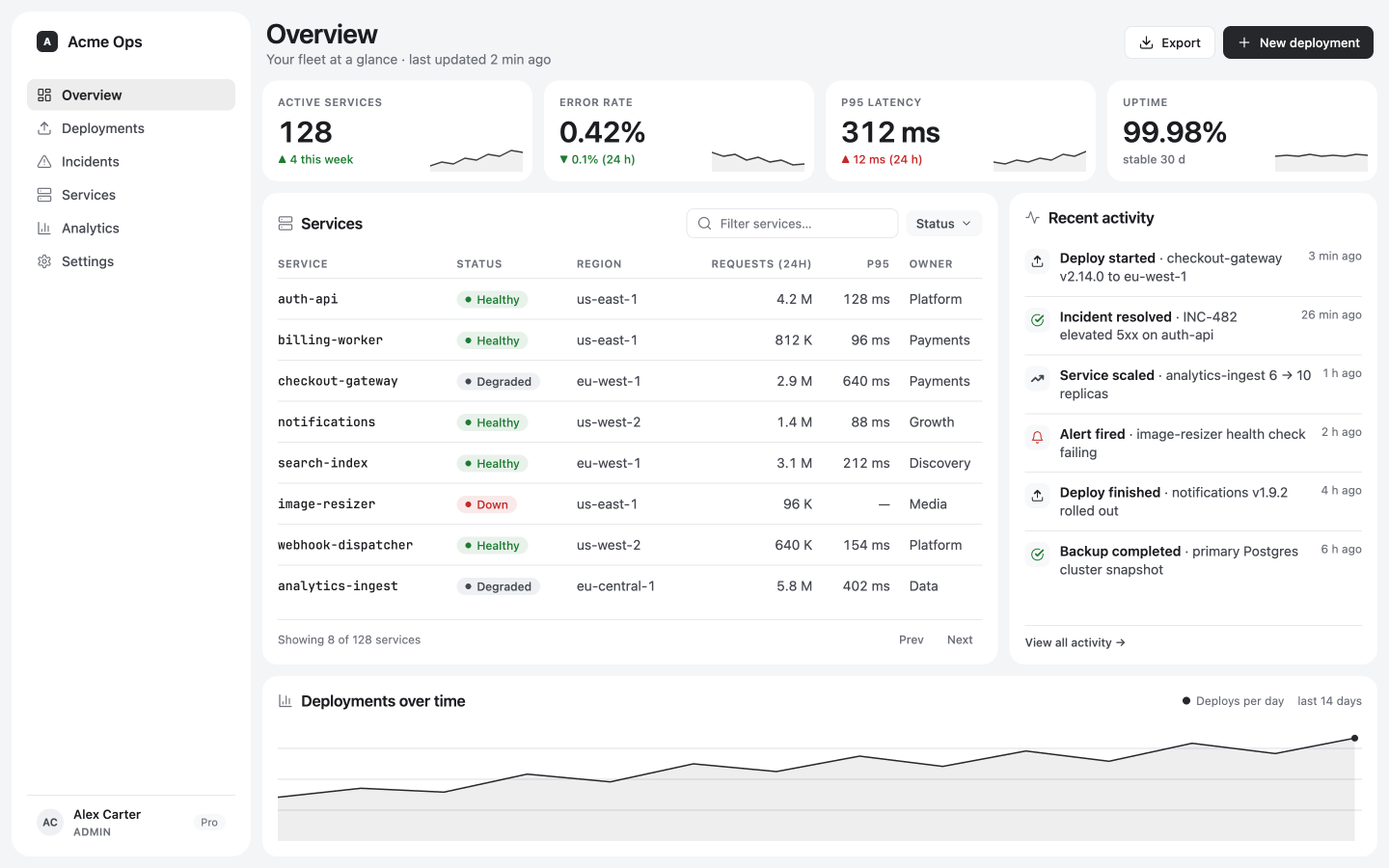
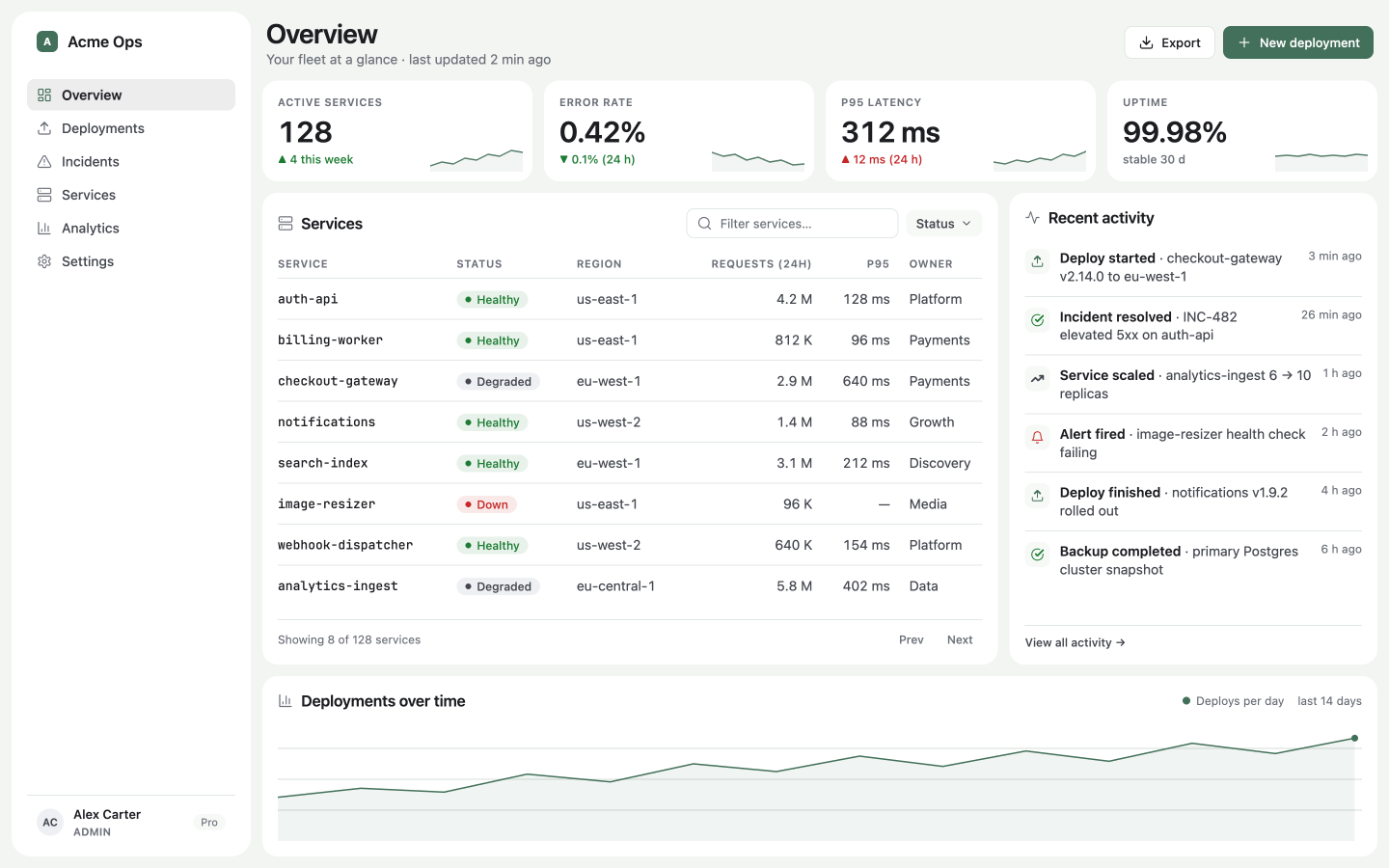
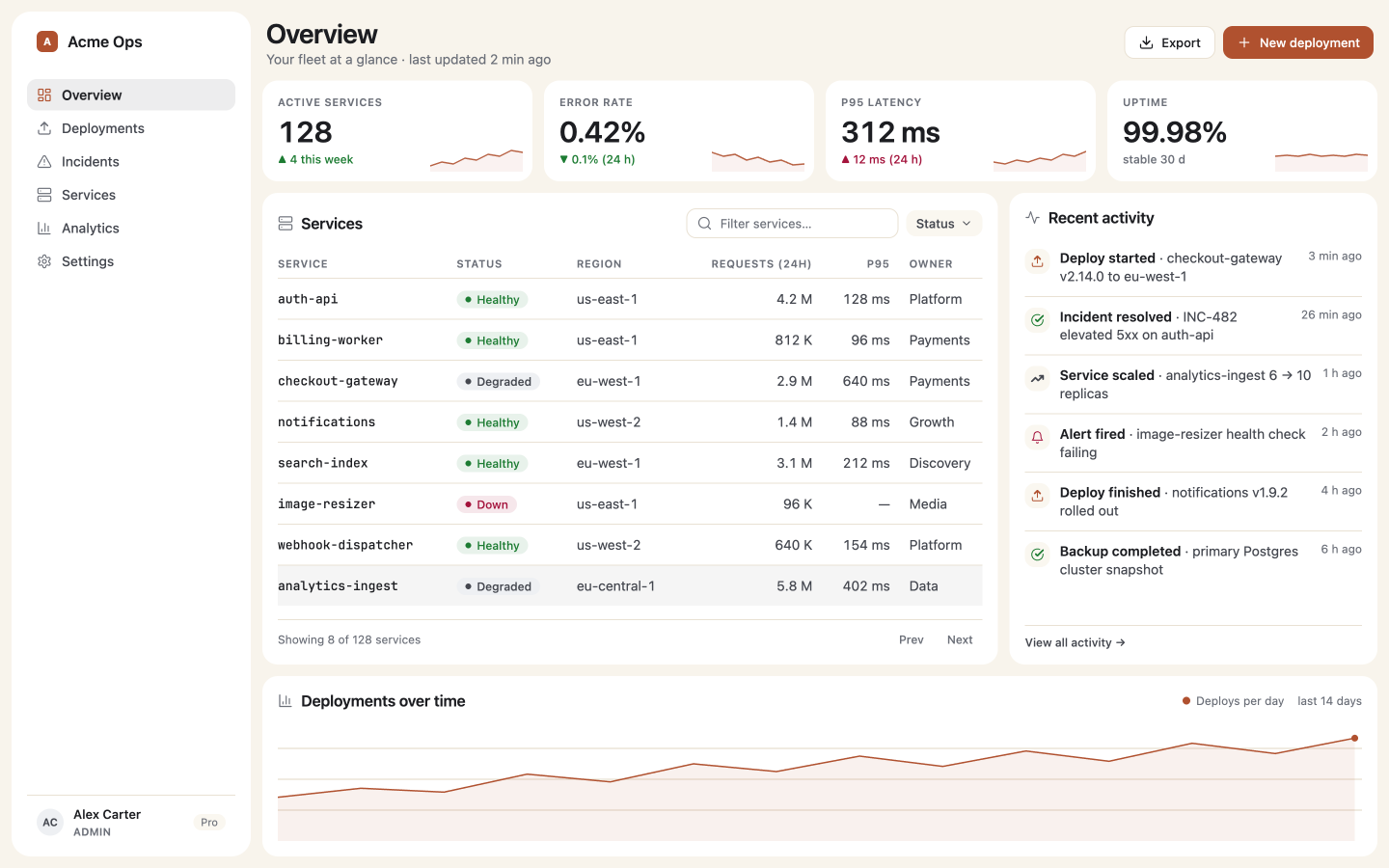
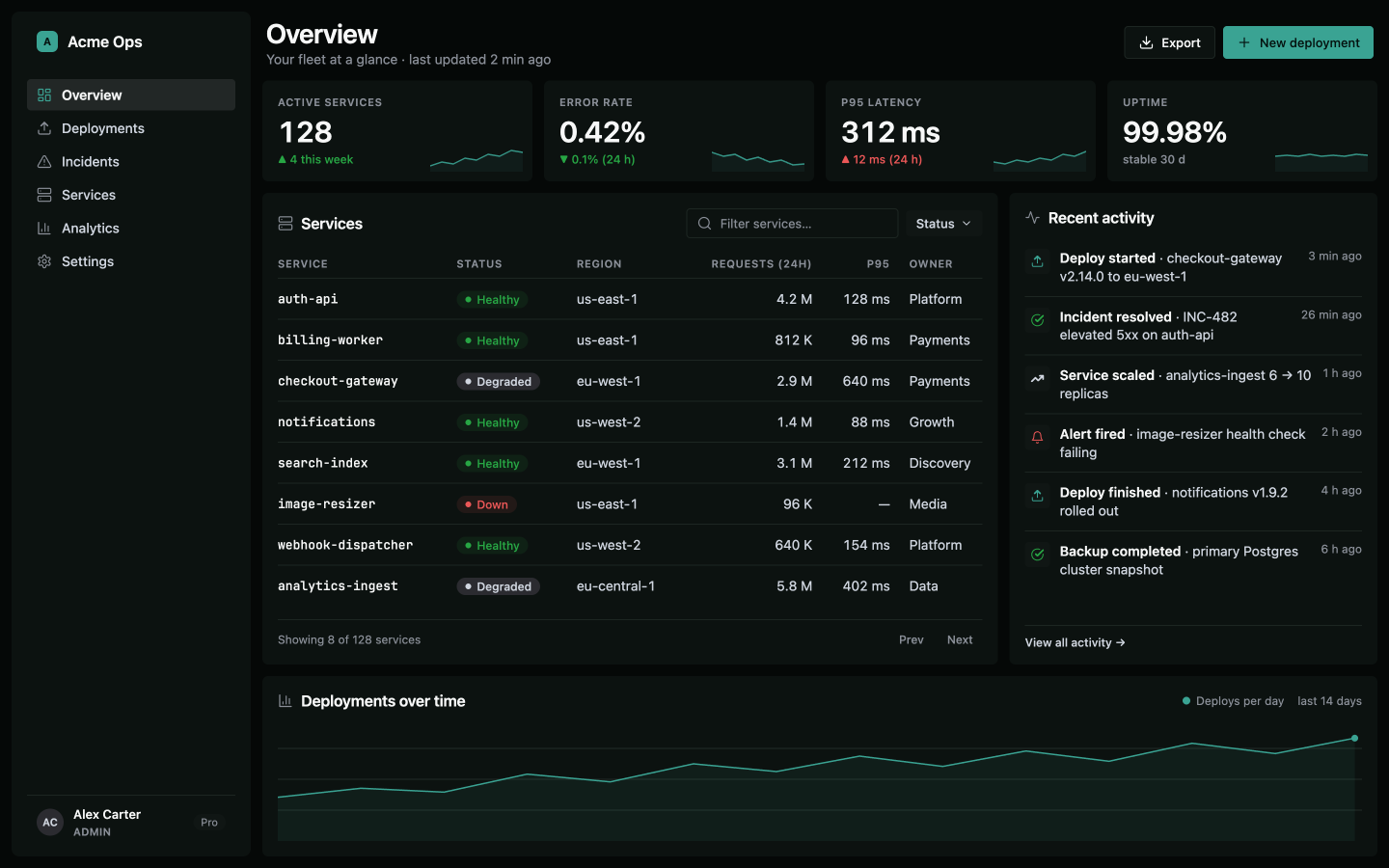
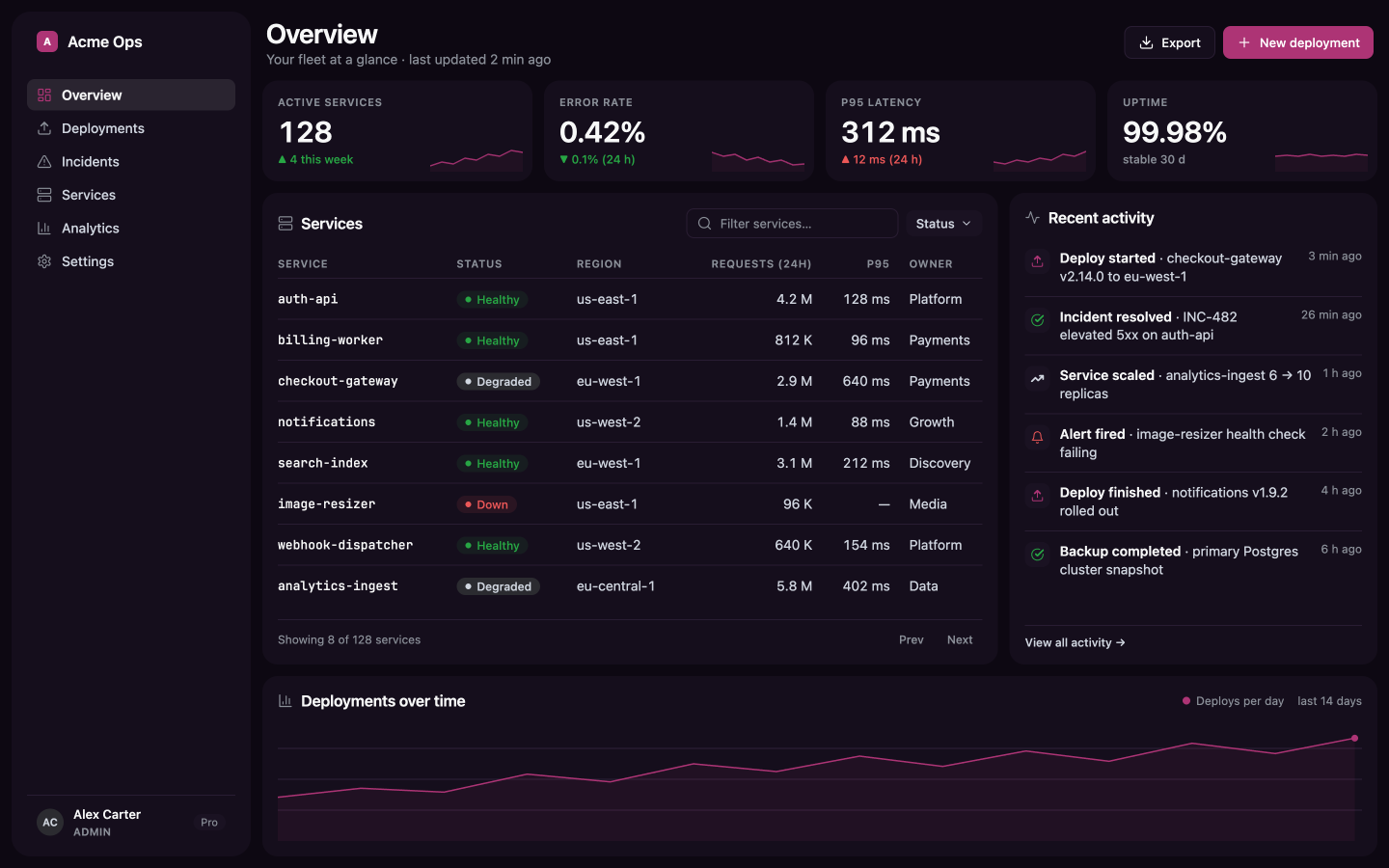
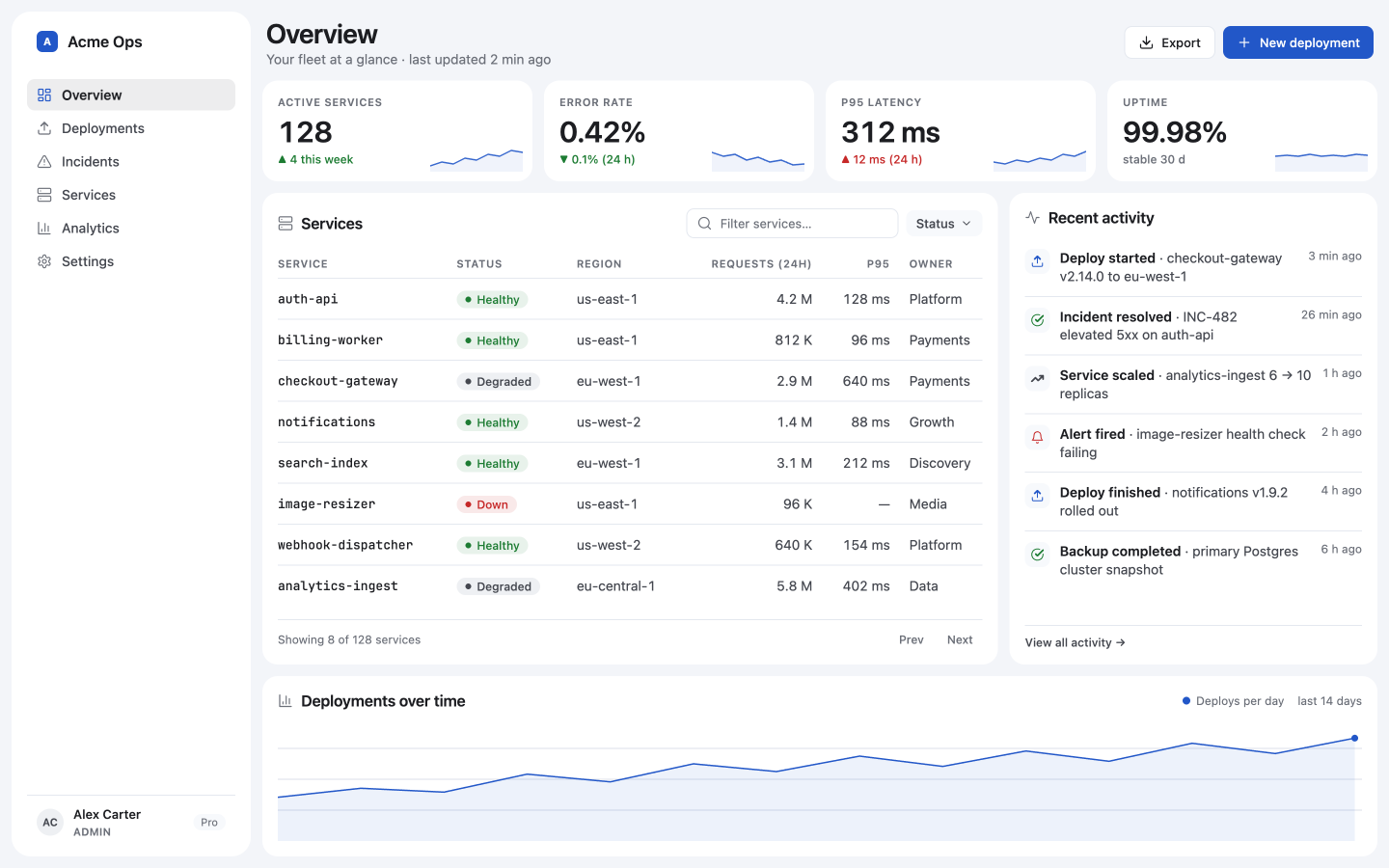
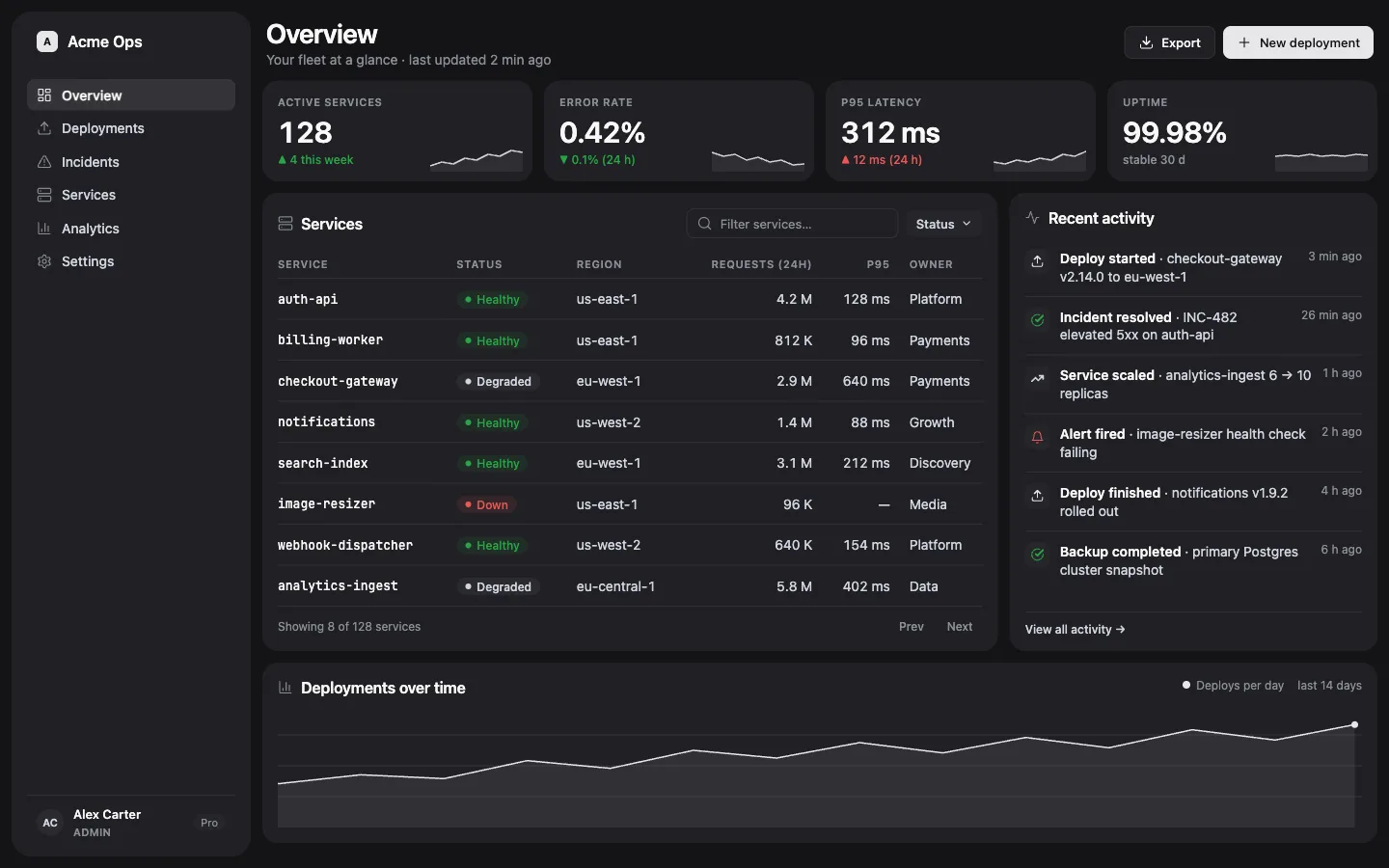
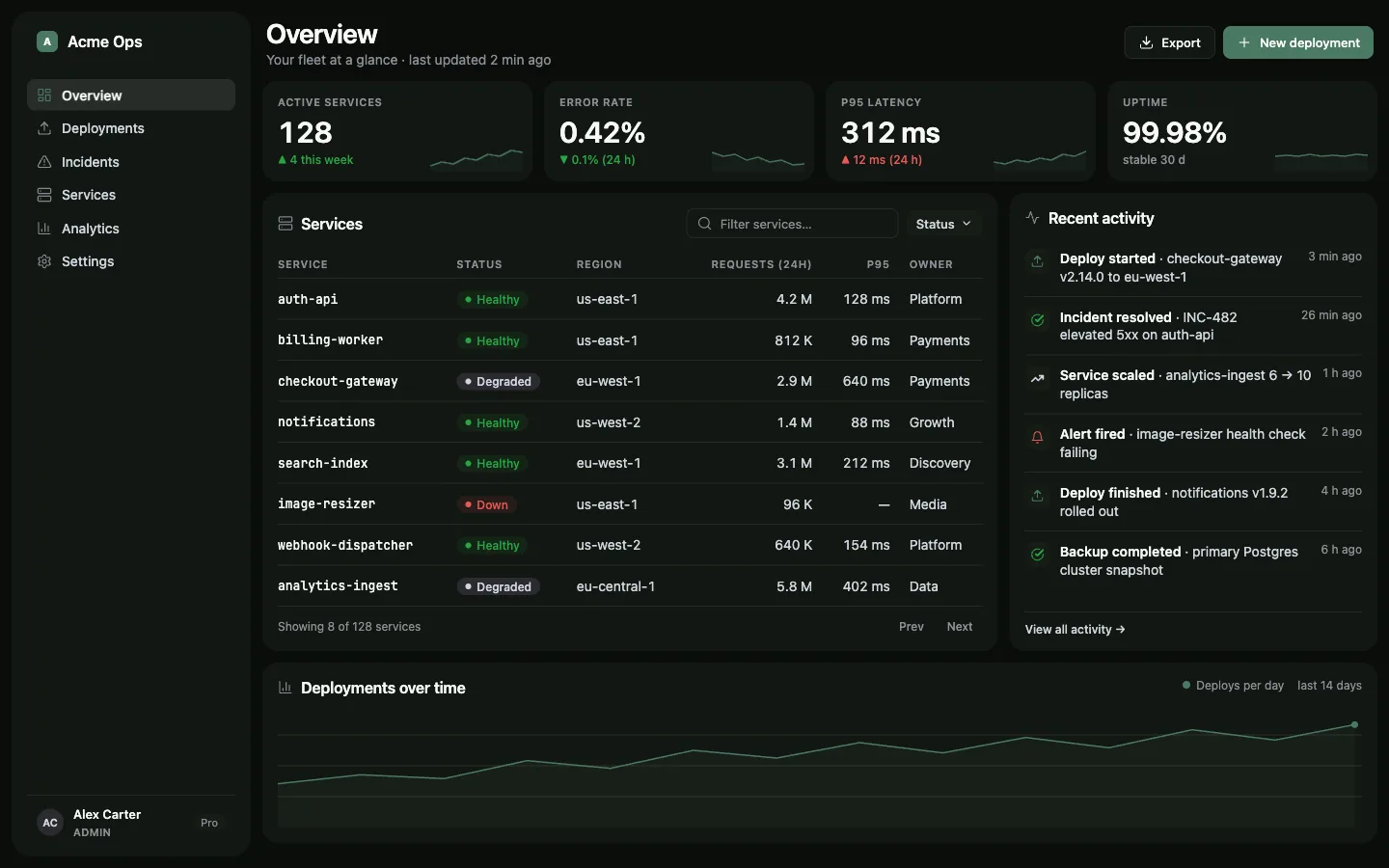
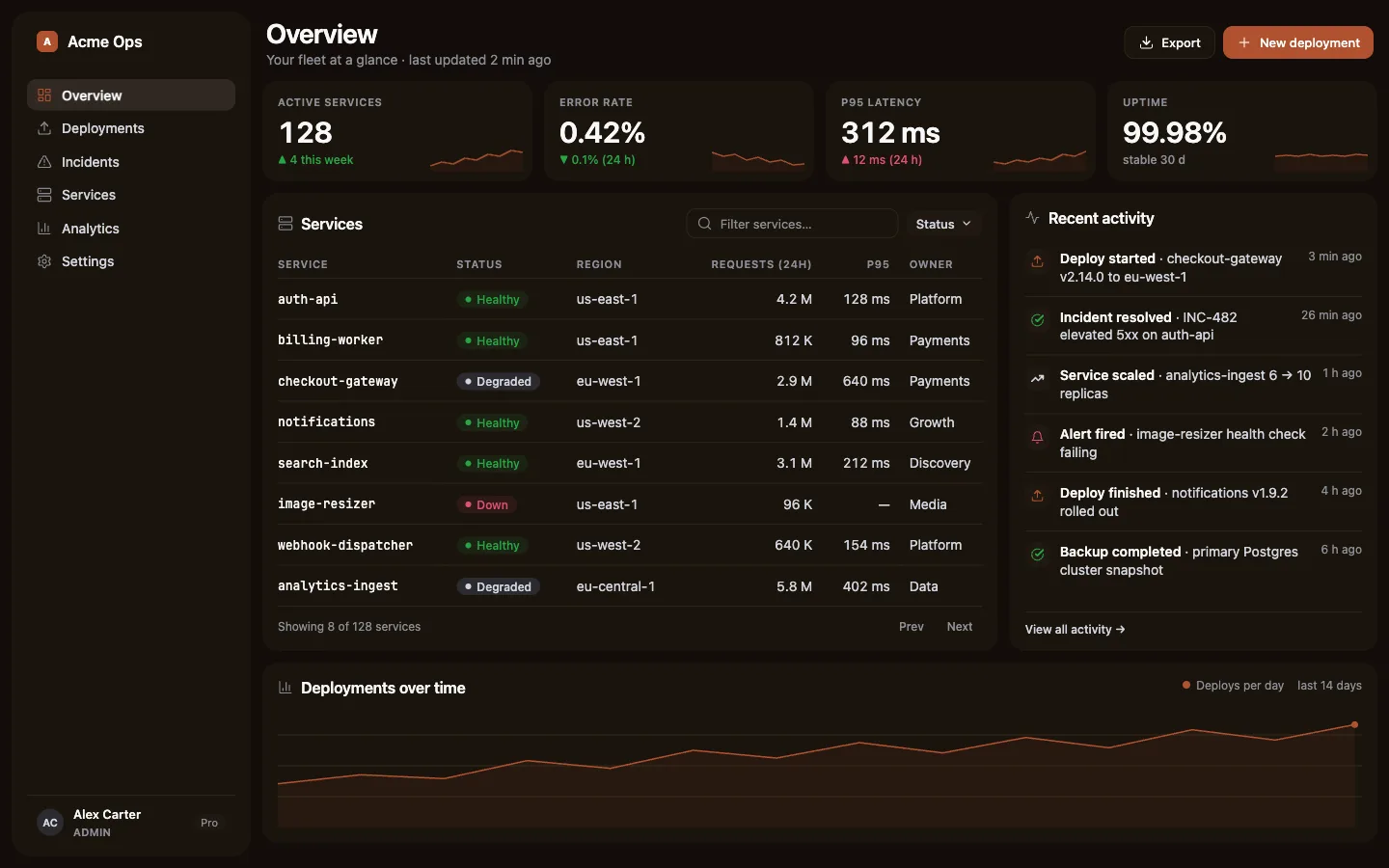
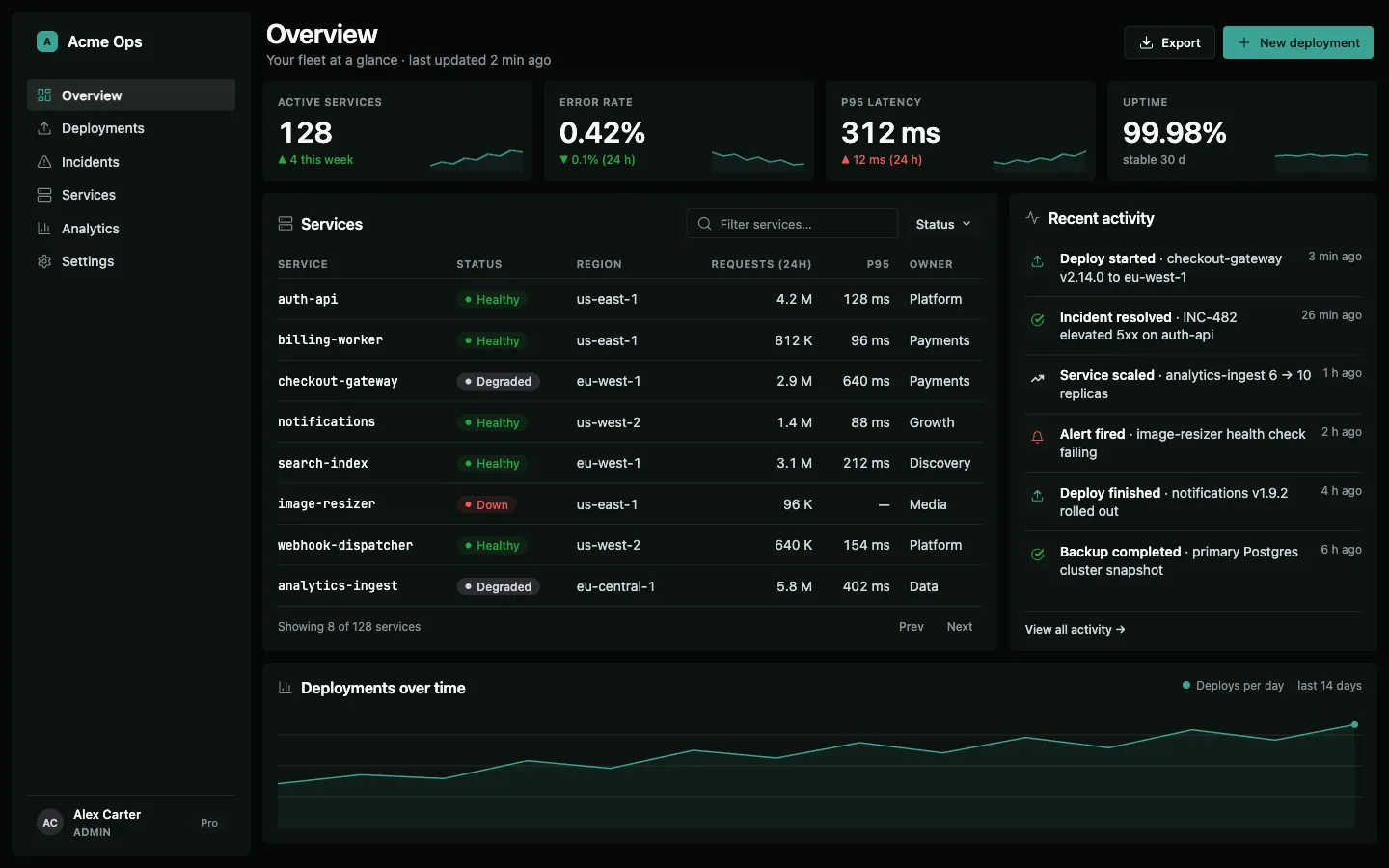
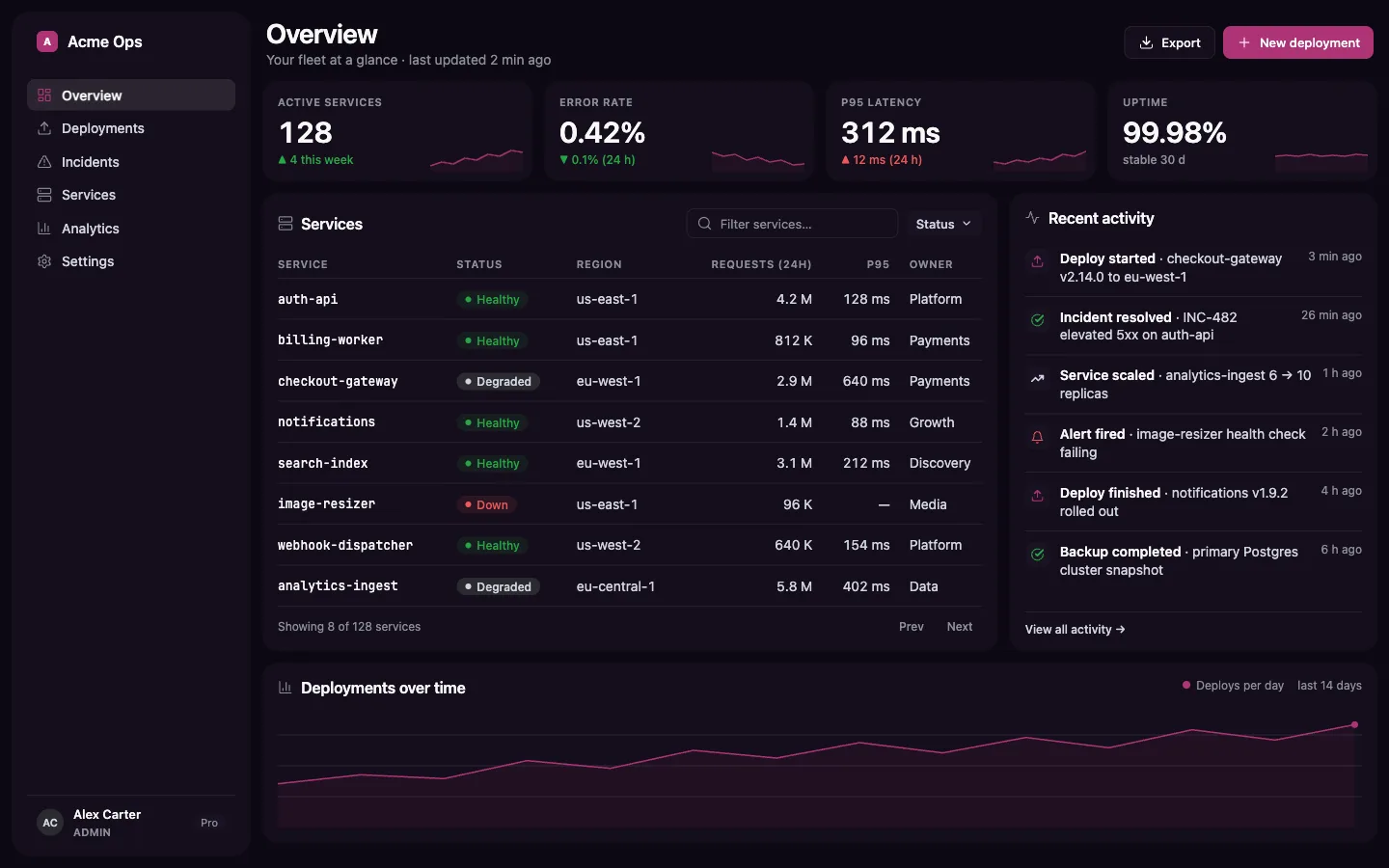
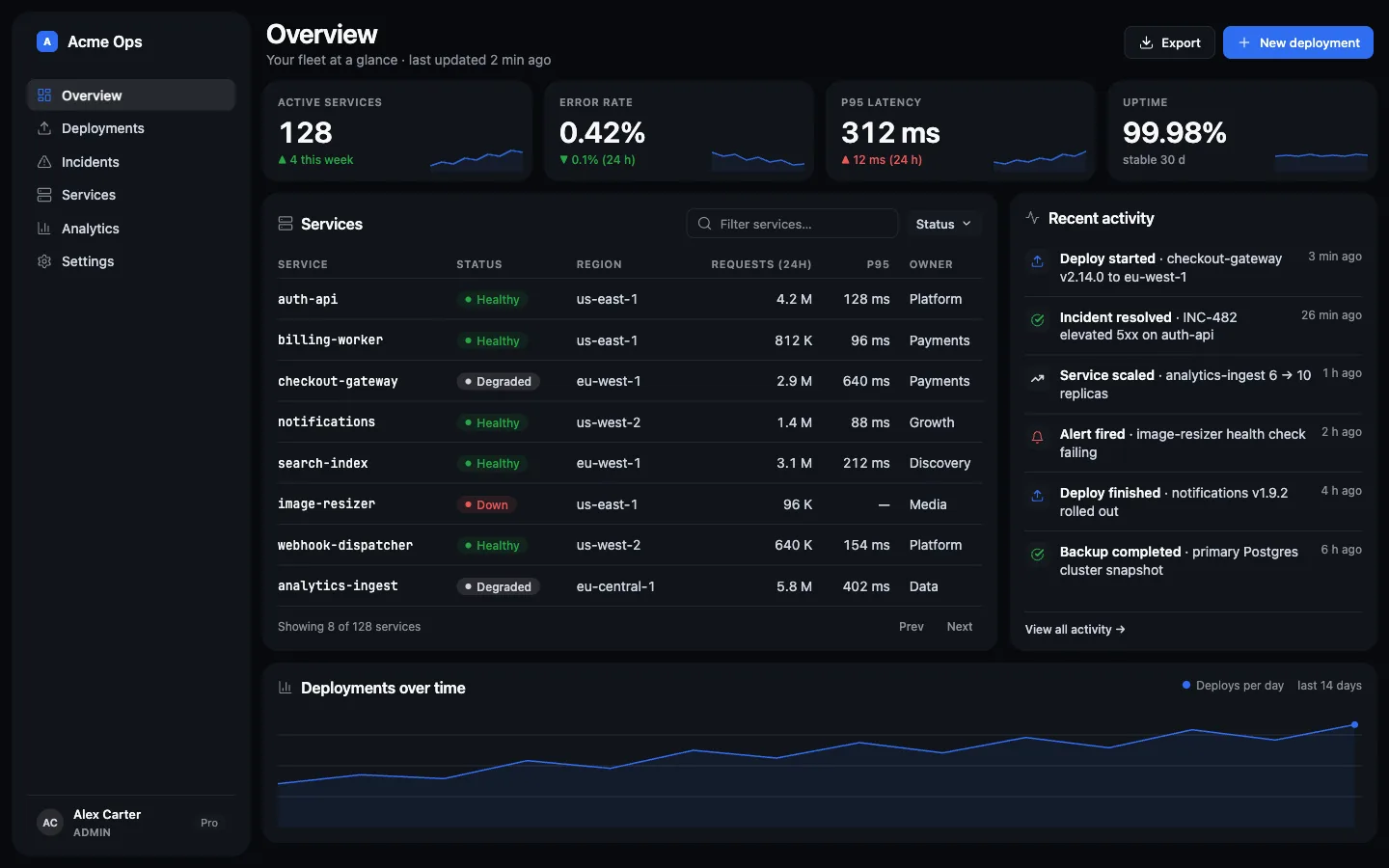
Glaise default skin: an admin dashboard on an off-white canvas with floating panels, washed-ink primary buttons and Lucide iconsCeladon pigment: the same admin dashboard with a glazed-green accentTerracotta pigment: the same admin dashboard with a warm clay accentVerdigris pigment: the same admin dashboard with an oxidized-teal accentTyrian pigment: the same admin dashboard with a deep purple accentCobalt pigment: the same admin dashboard with a saturated blue accent
Glaise default: washed ink on off-white. Built by an agent, recognizable at a glance.

01 — The problem

Generated UI always
looks generated.

Purple gradients. Stacked shadows. Placeholder icons. A delete button dressed like a CTA. Your agent ships a new face every screen, and none of them is yours. Drag the handle.

Left: the slop is deliberate. Gradient CTA, emoji icons, a green Delete button. Right: off-white canvas, floating panels, washed ink, state colors reserved for state.

02 — Skin vs. soul

The skin is Glaise.
The soul is the product's.

The skin is fixed and non-negotiable: off-white canvas, floating panels, a washed-ink primary, Lucide icons, an audited surface ladder. The soul (layout, hierarchy, density, signature) belongs to each product. Six curated pigments, one engine.

Same family, never a clone. Clients can carry their own brand; the engine stays invariant.

See the live demo

03 — How it works

Three moves.
Two gates.

  1. 1

    Discover

    A short interview captures the product's soul in a brief: who uses it, what it does, what its signature is.

  2. 2

    Build

    Agents build from the brief. The skin is law: tokens, primitives, surface ladder. Creativity goes into the product, never the skin.

  3. 3

    Review & Audit

    Two gates before it ships: taste (would a design lead sign it?) and measurable evidence, audited by script.

The Glaise hub: the flowDiscovery captures the product soul in glaise-brief.md; an optional direction step adds character; the skin is chosen through three doors (default, a pigment, or a per-client brand via glaise-brand); build puts the UI on the skin; then review and audit deliver the verdict.1 · discoverglaise-discovery2 · directionwhen the productneeds characteroptionalglaise-brief.mdthe soul3 · skin: three doorsglaise-branddefaultpigmentbranddocs/glaise/brand.css4 · buildglaise-buildUI on the skin5 · review + auditglaise-review·glaise-auditverdict

04 — Mechanical guarantees

It doesn't suggest quality.
It audits it.

A style prompt hopes. Glaise verifies. These aren't principles; they're checks that run.

Contrast, audited by script
Every token pair is checked in both themes. Failing contrast fails the audit, not your users.
Semantic separation
An error can never look like a CTA. State colors are reserved for state, by rule, not by taste.
Tokens all the way down
No loose hex anywhere. Every color, space and radius is a design token; retheme without a rewrite.
Zero dependencies
Headless, accessible primitives. Nothing to install in your app, nothing to break in six months.
Dark mode included
Both themes ship audited from day one. Not an afterthought toggle.

05 — In depth

Under the skin.

Who it's for, what it does, and the receipts to back every claim.

Who it's for

Agencies & consultancies
Many clients, many products, no designer on each one. Every delivery has to look like the house and carry the client's brand.
Solo & indie developers
Shipping an admin, panel or console every week. A design-lead quality bar without becoming a designer.
Product teams with agents
Governance: agent-generated UI that respects the system, audited for contrast, tokens and states before it merges.
Multi-agent operators
The same system across Claude Code, OpenCode, Cursor and Codex. One install, one family.

Not for: anyone building marketing or a landing page, anyone who wants a new identity per project, or anyone with no coding agent in the loop.

What it does

  • Fixed skin, decided once. Palette, surface ladder, typography, a washed-ink primary, Lucide icons, headless primitives. The agent stops reinventing the look every prompt.
  • Free soul per product. A short brief captures the signature, the one thing only that product could have. The anti-clone.
  • Per-client brand. A brand.css overrides only the tokens a brand changes; the engine stays invariant. Curated pigments for anyone without a brand.
  • Dark and light, out of the box. One system, two themes, AA audited in both.
  • Bridge to Claude Design. Publish the effective skin as a design-system project, so whoever designs outside the editor starts from the same family.
  • Zero runtime dependency. No Glaise package in your bundle; what ships is your own code, styled by the tokens.

Proof

  • Open Agent Skills standard. One installer covers four harnesses, each through its official discovery directory.
  • Contrast audited by script. WCAG AA computed in both themes over the effective tokens, brand included.
  • Own test suite, zero dependencies. Skill validator, plugin manifests, design-bundle generator.
  • Official Claude Design bridge. A @dsCard bundle generated from the effective skin.
  • MIT, one command to install and update.

When to use

Use it when

  • You're building or extending a dashboard, admin, console, back-office or internal tool.
  • You ship the same type of product for several clients and need coherence plus brand.
  • You want agent-generated UI to pass a craft review and a measurable audit before merge.
  • You need dark and light at AA without hand-tuning contrast.

Skip it when

  • The deliverable is marketing: a landing page, an institutional site, a blog.
  • The project needs unique art direction, outside any family.
  • There's no agent in the loop and you just want a ready-made component kit.

06 — FAQ

Fair questions.
Straight answers.

No spin. Where another tool is the better call, it says so.

Do I need a designer to use it?

No, not to operate it. The system carries the decisions your agent can't make on its own. A designer makes the brief and the signature sharper. Glaise doesn't replace one; it multiplies the few you have.

Does it work with my stack?

Tokens are plain CSS custom properties, with a theme.css for Tailwind v4. Components build on headless primitives: Base UI for React, Reka UI for Vue. Other stacks can use the tokens; the primitives are on you.

Why not just use shadcn/ui?

shadcn is excellent at what it is: headless components you copy into your repo and own. But it ships pieces, not a system: hierarchy, density, states, and coherence across screens (and across products) stay your job, every project. Glaise runs one layer up, the decisions and the process your agent executes and audits, on the same headless foundation. Running both means two owners of the style, so we don't recommend it.

My agent already makes good UI. Why add Glaise?

It does, one screen at a time. Ask for ten and compare: different palettes, different spacing, missing states, unmeasured contrast. Glaise doesn't improve your agent's talent; it removes its variance. And what ships passes a craft review plus a measurable audit, not a "looks nice."

Doesn't a fixed skin limit creativity?

That's the thesis. Creativity goes where it actually differentiates (domain, layout, hierarchy, the product's signature), not into re-picking a gray and a border radius every project. And the skin isn't blind uniformity: glaise-direction amplifies character within the family, and brand.css swaps the pigment per client without touching the engine.

Does this lock me in?

What ships to your product is your own code plus standard CSS custom properties. No runtime, no SDK, no service. Delete the skills tomorrow and the UI works exactly the same; you only lose the process that kept it coherent. MIT.

What does it cost?

MIT, open source. One command to install, one to update.

07 — Honest scope

From the login screen inward.

Glaise does one thing with conviction. Knowing what it refuses to do is part of the product.

What it builds

  • Admin panels
  • Dashboards
  • Consoles
  • Internal tools
  • Back-offices

What it refuses

  • Marketing sites
  • Landing pages
  • Blogs
  • Brochures

This page? Not built with Glaise, on purpose. Glaise starts where your login screen begins.

Turn it on.

  1. /plugin marketplace add maclevison/glaise
  2. /plugin install glaise@glaise

Claude Code · OpenCode · claude.ai · github.com/maclevison/glaise · MIT · v2.2.0